Colormixing 101

Understand how RGB color actually works

Every screen you’ve ever looked at makes color the same way: Red, Green and Blue, mixed in varying amounts. Almost nobody is taught how that works. You open a color picker, push the sliders around, and watch for something that looks right, even if you don’t know what that is.

Colormixing 101 is an hour that fixes that. You’ll learn how RGB colors are made, how they relate to one another, and how to move between them deliberately; learning by doing, not as theory, but by mixing every color yourself and seeing what happens.

Four short lessons, hands on and eyes on.
Start Colormixing 101

Free. No signup required.

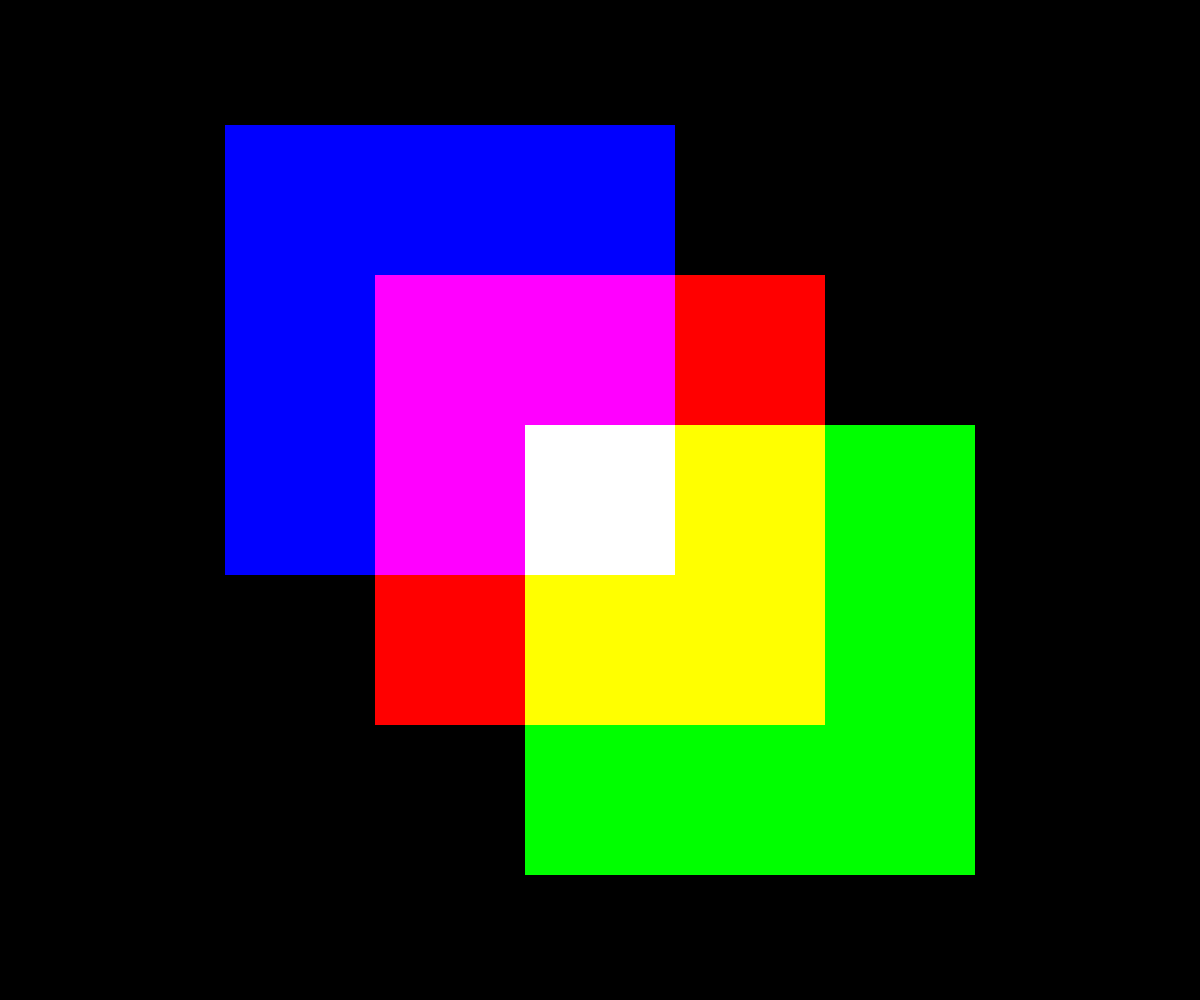
A composition of Blue, Magenta, Red, White, Yellow and Green squares on black, made in Colormxr

What you'll do

  1. A White square on a Magenta field

    Lesson 1

    The phantom color experiment

    First, an interactive demonstration of how your brain generates color on its own. What you see here is the foundation for everything that follows.

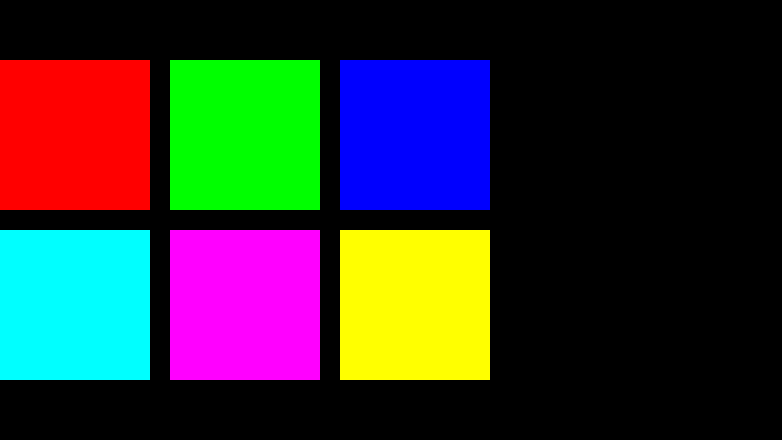
  2. Red, Green and Blue squares above Cyan, Magenta and Yellow

    Lesson 2

    Primary color relationships

    You'll learn how to mix the primary and secondary colors and their complementary relationships, ending with a basic color wheel you built yourself, from colors you mixed and relationships you worked out.

  3. A grid of Blue tints and shades, brightest in the center column

    Lesson 3

    Tinting and shading

    Here colormixing becomes a practice. You'll learn how to tint and shade, and then you'll build gradients by eye and by hand, revealing different color values that are created and the relationships that are created as a color moves from Black to White.

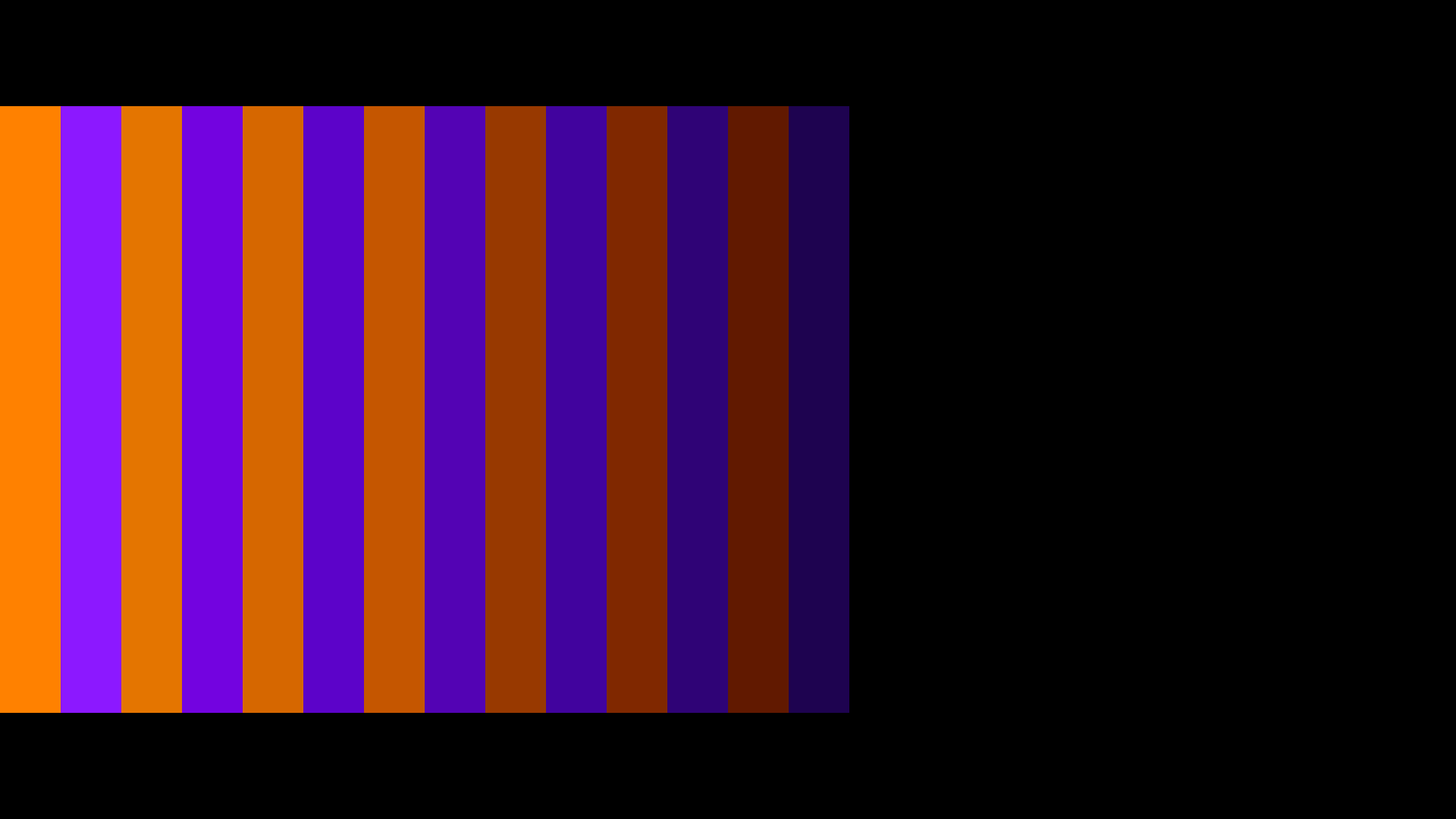
  4. Alternating bands of Orange and Violet, each pair darker than the last

    Lesson 4

    Spectral hue transitions

    Orange, Violet, and everything between the named hues: colors everyone uses and few can say how they're made. You'll finish by building a full spectral gradient, which lays out the relationships between every hue at once.

Written by an expert, guided by AI

Every lesson, exercise and explanation here was written by David Witt, who developed Colormxr, and created the methods of RGB+CMY colormixing that the course teaches. The AI Assistant presents the course material, and is available to answer your questions when you're stuck and help guide you along. It didn't create the course, it's just been programmed to help.

What you need

A laptop or desktop. The exercises need room to work, and a small screen makes that harder than it should be.

See for yourself

No account, no signup, nothing to install. You can leave and come back.

Start Colormixing 101

Four lessons. About an hour. Free. Try it!